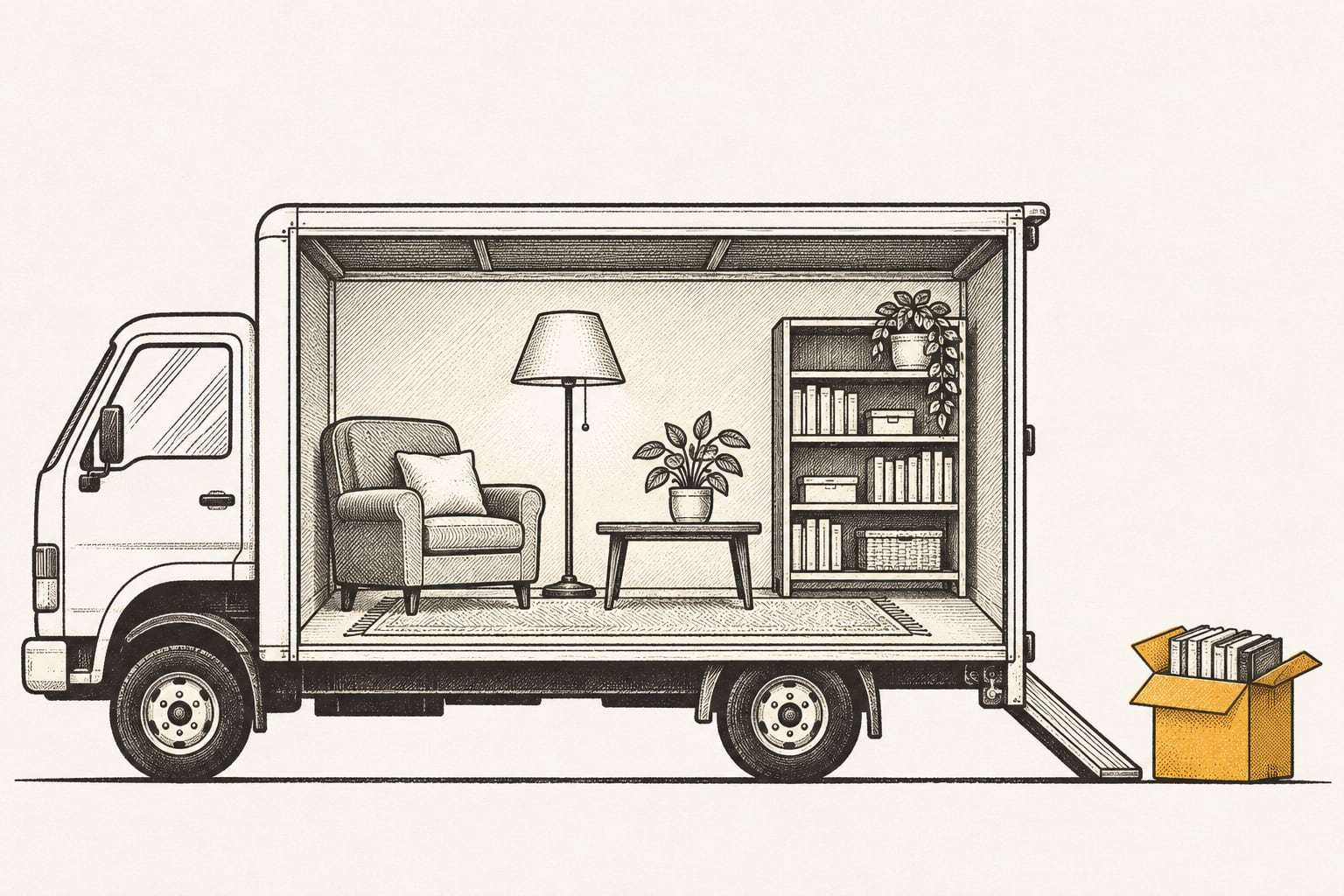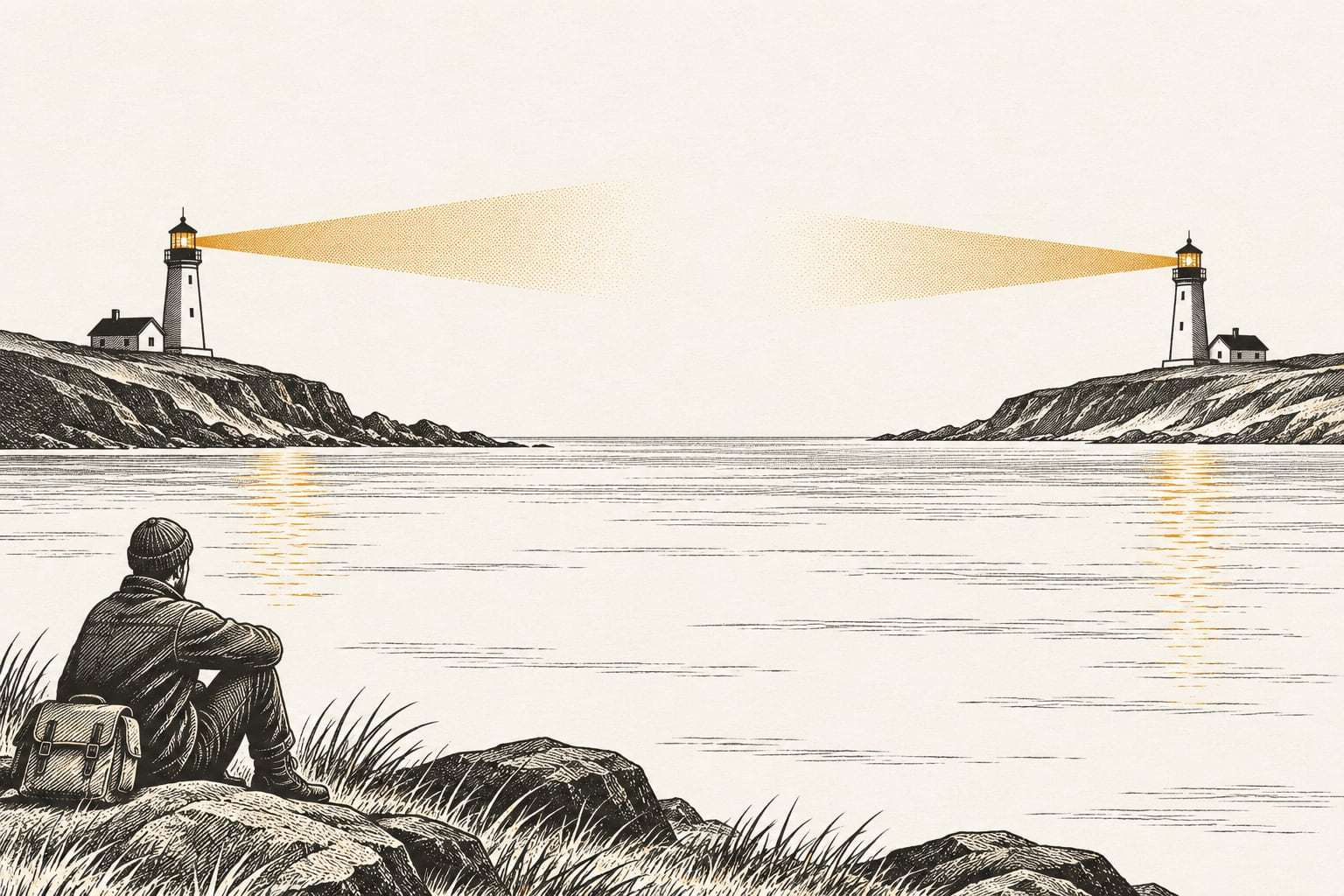
Ask a small business where its off-site backup lives, and the answer is often an address you could drive to before lunch: the owner’s house, a second office, a storage unit across town.
That copy is off site. Whether it is far enough away depends on what you want it to survive. This article gives a plain way to judge that, and adds a second kind of distance most people forget.
What off site is for
The 3-2-1 backup rule asks for one copy off site. The purpose is simple: no single event should be able to reach both your working data and your last good copy.
So “off site” is not a place. It is a test. List the events that could take out your office, then check whether your copy sits outside the reach of each one.
Three kinds of distance
Physical distance. Some events stop at the building: a burst pipe, a kitchen fire, a break-in. A copy across the street survives all of those. Others cover a neighborhood or a whole region: a river flood, a wildfire, a hailstorm, a tornado, a power outage that lasts for days. A copy across town shares those risks with your office.
Shared infrastructure. Two buildings across town from each other can share one power utility, one internet provider and one flood plain. A cloud backup can live in a single data center. Ask what your two locations have in common, not only how far apart they are.
Logical distance. This is the one most often missed. If the same account that runs your office can delete the off-site copy, that copy is close, however many miles away it sits. CISA’s #StopRansomware Guide warns that “many ransomware variants attempt to find and subsequently delete or encrypt accessible backups to make restoration impossible unless the ransom is paid.” Accessible is the key word. A copy is only far away if an attacker inside your network cannot reach it.
Common arrangements, judged honestly
| Arrangement | Survives a building fire | Survives a regional event | Survives a stolen admin password |
|---|---|---|---|
| USB drive taken home on Fridays | Yes, if it went home that week | Often not | Yes, while it is unplugged |
| Second office in the same metro | Yes | Often not | Depends on shared accounts |
| Cloud backup in one region | Yes | Usually | Not if office accounts can delete it |
| Locked copy in a second, distant region | Yes | Yes | Yes, for the lock period |
The drive at home has a human cost too. It is only as current as the last time someone remembered to swap it. Ask when it was last swapped, and you may find it is months old.
How far is far enough
There is no single number that fits every business. The useful question is whether one regional event (a storm system, a wildfire, a grid failure) could plausibly reach both places.
Our own answer is two US regions at least 500 miles apart. Your primary copy sits in one region. An immutable copy, locked so nobody can change or delete it for 30 days by default, sits in the other. Both stay in the United States, encrypted at rest and in transit.
Distance has one cost: a copy far away is slower to bring back over the internet than a disk in the next room. That is why a good setup often keeps a fast local copy, such as a NAS, for everyday restores, and a far copy for the day the local one is gone. A NAS on the shelf is not a backup explains how the two fit together. For large restores, the order matters more than raw speed: bring back this week’s work first and the archives later.
What about your cloud apps?
Many offices assume their files are already off site because they live in the cloud. Some are, in the sense that matters, and some are not.
- Sync folders are copies of the same files, not separate copies. A deletion or an encryption on one laptop reaches the cloud too. Backup and sync are not the same explains why.
- Microsoft 365 and Google Workspace hold your mail and documents in the provider’s data centers, but a deletion inside your account is still a deletion. Does Microsoft 365 back up your data? covers what the provider keeps, and for how long.
- A backup service is off site only if its copies are separate from your accounts and cannot be changed by them.
Ask of each one: if someone signed in as us deleted everything, would this copy survive?
Getting the first far copy there
The first full copy is the slow one. After it, only changes travel each night. For an office with a slow internet line and a lot of data, we seed that first copy on an encrypted drive shipped to the second region, then send nightly changes over the internet. Either way, the far copy is only finished once a restore from it has been tested.
A far copy still needs watching
A copy far away is easy to forget, because nobody walks past it. That is when it quietly stops updating. A changed password, a full allowance or a moved folder can halt the job, and the alert lands in an inbox nobody reads.
Whoever runs the far copy should check every job, follow up failures the same business day, and tell you in writing each month what was copied and what failed. Our clients get that as a one-page monthly report. Ask for the same from anyone who holds your off-site copy.
Example: a wildfire evacuation in a foothills town
Take a 16-person title company in a foothills town. It keeps its files on a NAS in the office, and every Friday the owner takes a USB copy home, about 6 miles away. That feels like an off-site backup, and for a burst pipe it would be.
On a Wednesday afternoon in August, a wildfire evacuation order covers both the office and the owner’s neighborhood. Staff leave with their laptops. The NAS and the USB drive both stay behind, inside the closed area. Both buildings survive, but nobody is allowed back for four days, and the company has closings scheduled that week.
Now run the same week with a copy in a distant region. Staff work from home and from a borrowed conference room. The files for this week’s closings are restored first, straight to laptops. The rest of the active files follow. When the order lifts, the office copy is checked against the far copy before anyone works on it again.
The lesson is broader than fire. A copy is only useful if you can reach it while the office is out of reach.
Six questions about your off-site copy
- How many miles is it from the office, and does it share a flood plain, power grid or internet provider?
- Does someone have to do something by hand for it to stay current?
- When, exactly, was it last updated?
- Can any account your staff use every day delete or change it?
- How long would it take to restore your three most important folders from it?
- When did someone last restore something from it?
If any answer is a shrug, that is the place to start. The small business backup guide covers where copies should live alongside how often to make them and how long to keep them.
Where this fits in a plan
If you already have a local backup or a NAS, the Immutable Offsite Copy plan adds the far, locked copy on its own, from $15 per TB per month, with the lock adjustable from 30 days up to 1 year. If you have servers, the Server Backup plan already includes a locked copy in a second US region alongside each server’s nightly image.
Neither replaces the local copy. Near and far do different jobs, and you want both.
A calm next step
You may already have a perfectly good off-site copy. The free backup check is a quick way to find out where it sits and whether it restores: 45 minutes, remote, one test restore and a written page of findings. Book a free backup check when it suits you.