Copied at night, checked by a person
Every device copied on schedule, watched by a person, proven by restores.
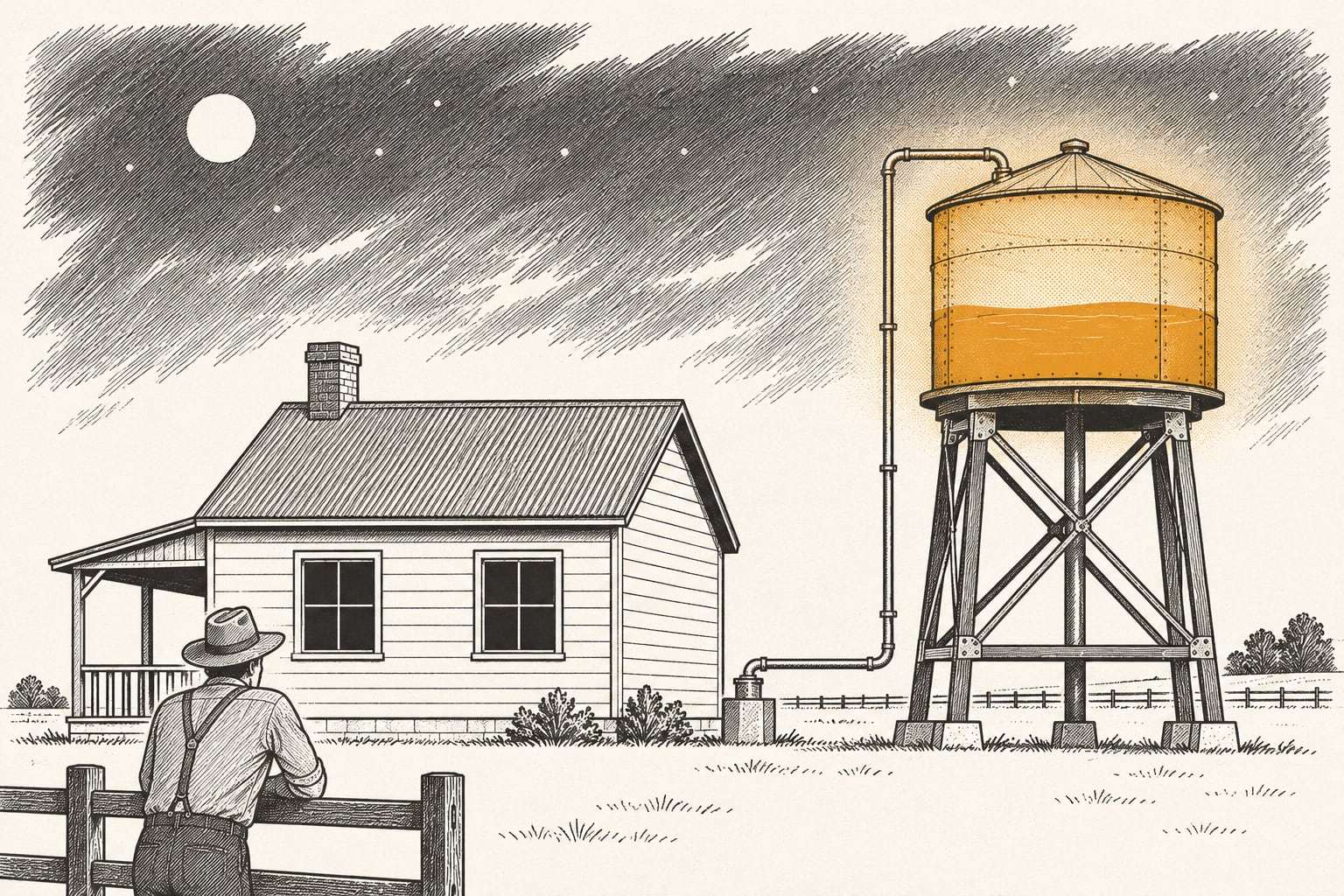
Most small businesses have some backup. Few know when it last finished, and fewer have restored from it. We run the copies, read every failure, and prove the result each quarter.
Backup software stops quietly
A backup agent fails after an update, a laptop never comes back online, a server job runs out of space. Nobody reads the alert email. The copy everyone counts on is weeks old on the day it is needed.
What changes on a bad day
A copy from last hour
Workstations save file changes every hour they are online, so a lost laptop costs an hour of work.
Servers back by morning
A nightly image means a failed server can be rebuilt whole, not reinstalled from memory.
One copy nobody can delete
An immutable copy in a second US region stays locked for 30 days, even from us.
Failures caught the same day
A person reads every failed job and fixes it the same business day.
Every plan includes
A recovery map
Each system listed with how much work you can lose and how long you can wait.
Encryption both ways
AES-256 at rest and TLS in transit, with your own key on servers if you want it.
Two US regions
A primary copy and a locked copy at least 500 miles apart.
Human monitoring
Failed jobs followed up by an engineer the same business day.
A quarterly spot restore
Sample files restored, opened and timed each quarter, logged in a one-page monthly report.
A free exit
Leave with 30 days’ notice and a full export of your data at no charge.
Example: a 30-person engineering office
A civil engineering office has 30 laptops, a file server and a NAS of survey data. Drawings can lose an hour; accounting can lose a day. By day 10 laptops back up hourly, the server is imaged at 11 p.m., and the NAS has a locked copy. The first drill restores a project folder and the server, timed in writing.
Indicative price
Indicative, from$12
Per device per month for workstations, with 90 days of versions; servers from $89 per server per month with 1 TB included. Month to month, itemized, and no setup fee on plans.
Automated backup questions, answered
What does automated backup cover?
It covers Windows and Mac laptops and desktops, physical and virtual servers, and NAS shares. Workstations copy file changes every hour they are online. Servers get a nightly full image plus hourly file versions. Microsoft 365 and Google Workspace are a separate plan, because they need a different kind of copy.
Will backup slow down our computers or internet?
Usually not. After the first full copy, only changed blocks are sent, and the agent backs off when someone is working hard. For offices with slow uplinks, we seed the first copy on an encrypted drive shipped to our second region, then run small nightly changes.
Where are our backups stored?
In two US regions at least 500 miles apart. The primary copy is encrypted with AES-256. The second copy is immutable, which means it is locked for 30 days by default and cannot be changed or deleted by anyone, including our own engineers.
How fast can you restore a file?
Our target for a single file or folder is within 1 business hour of your request to support@ezbre.com. A full laptop is restored to a new machine within 1 business day. These are targets we measure in every quarterly drill, not guarantees.
Do we need to buy hardware?
No. Everything runs on agents and cloud storage. If you already own a NAS or a local backup appliance, we can keep using it as a fast local copy and add the Immutable Offsite Copy plan on top.
What happens if we leave?
Give 30 days’ notice. We export all of your data in standard formats at no charge, confirm the export with you, and delete our copies 30 days later with written confirmation.
See what you could restore
We look at what you back up today, restore one file with you, and say plainly whether this service is the right place to start.